Contents
You are now reading:
Error 502 – Bad Gateway: What does it mean? How does it affect a website's SEO?
Close
If you actively surf the web, you know that all sorts of errors appear suddenly, like shallow water! They can have various sources and causes, but the end result is the same—an error leads to dissatisfaction, frustration, abandonment of the website, or even removal from Google's index.
The 502 bad gateway error is a common network error. It doesn't indicate a connection problem and doesn't occur because of a problem with your computer. It usually indicates that the server received an invalid response and encountered a temporary error.
What exactly does a 502 bad gateway error mean? How can you fix it? We explain!
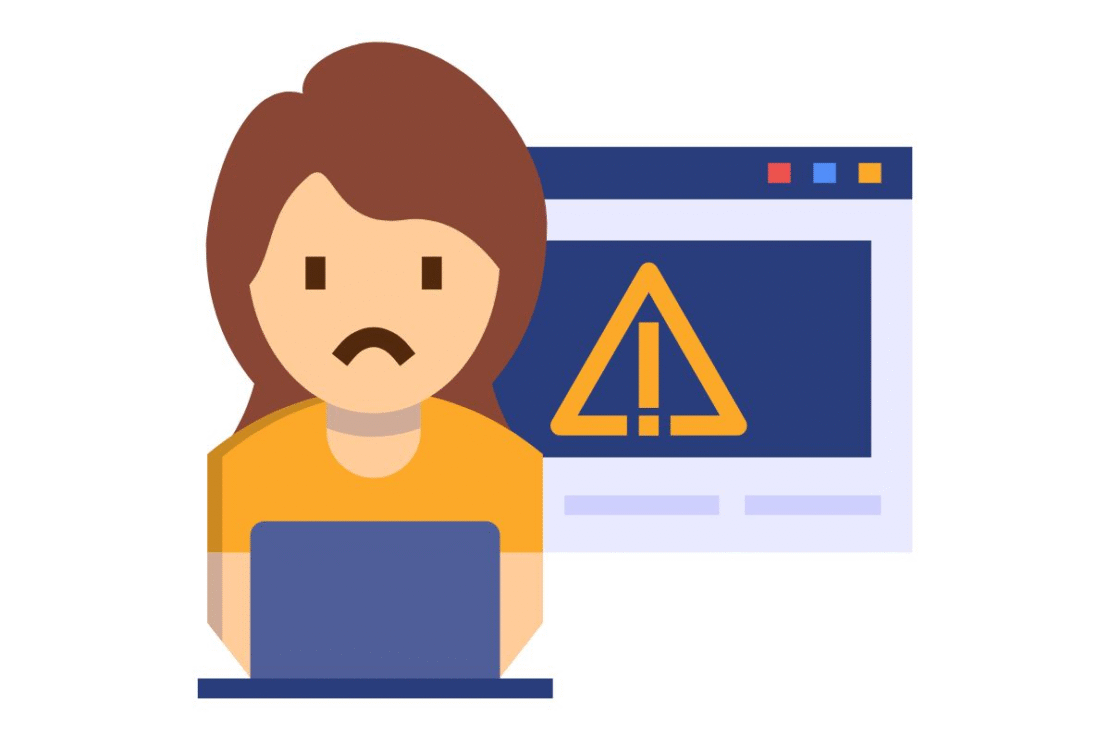
Figure 1. What to do when error 502 appears?
(The rest of the article can be found below the form)
Fill out the form and schedule a call with an expert
We'll get to know your business and prepare a personalized quote for the optimal marketing mix. Completely free.
The controller of your personal data is Verseo, a limited liability company with its registered office in Poznań, at ul. Węglowa 1/3.
About Verseo
The Company's registered office is located in Poznań. The Company is entered in the Register of Entrepreneurs maintained by the District Court for Poznań – Nowe Miasto and Wilda in Poznań, 8th Commercial Division of the National Court Register, under KRS number: 0000910174, Tax Identification Number (NIP): 7773257986. You can contact us by mail at the address provided above or by email at: ochronadanych@verseo.pl
You have the right to:
- access to your data,
- rectification of your data,
- request deletion of data,
- processing restrictions,
- object to the processing of personal data,
- transfer of personal data,
- withdrawal of consent.
If you believe that we are processing your data contrary to legal requirements, you have the right to lodge a complaint with the supervisory authority – the President of the Personal Data Protection Office.
We process your data for the purpose of:
- handling your inquiry, pursuant to Article 6(1)(b) of the General Data Protection Regulation (GDPR);
- marketing purposes consisting in the promotion of our goods and services and ourselves in connection with the consent you have granted, pursuant to Article 6(1)(a) of the GDPR;
- securing or pursuing possible claims in connection with our legitimate interest, pursuant to Article 6(1)(f) of the GDPR.
Providing your data is voluntary . However, without it, you will not be able to send us a message, and we will not be able to respond to you.
We may transfer your data to trusted recipients:
- providers of tools for: website traffic analysis, sending marketing information.
- entities responsible for hosting (storing) the website and personal data.
We will process your data for the period of:
- necessary to achieve the specific purpose for which they were collected, and after its expiry for the period necessary to secure or pursue any claims
- in the case of data processing based on consent until its withdrawal. Withdrawal of consent does not affect the lawfulness of processing prior to withdrawal.
We do not process personal data in a way that would involve making solely automated decisions about you. More information regarding the processing of personal data can be found in our Privacy Policy.
502 bad gateway – what does it mean?
Error 502 bad gateway may appear when browsing websites. It's a screen with an error code, but administrators can customize the website's error message.
This way, when encountering a 502 error, the user will receive a more detailed message, including, for example, an invitation to return to the home page or a request to contact the administrator of the requested page. The notification typically includes the error code (502), but may also include phrases such as "bad gateway," "bad gateway," or "server error."
What does error 502 mean and why does it appear?
The error means that the server, which acts as a gateway to facilitate the request to the server and its return, received an invalid or no response. Loosely translated, the connection was lost or there was a problem on the server side that resulted in an invalid response.
It also happens that the 502 bad gateway error appears after changing the IP address or when the server is overloaded.
Error 502 – what can the user do?
The 502 error is created on the server side, but there are several actions a user can take to still get to the page.
- Refresh the website – Error 502 may occur due to server overload. Refresh the page (reload the page) or return to it after some time. This may resolve the error.
- Clear your browser cache – error 502 may also be the result of corrupted files stored in the browser memory; therefore, it is worth trying to clear the cache and cookies.
- Please use a different browser – The problem with the correct answer may be caused by software. Try a different browser to ensure the page works properly. You can perform this operation in any browser.
- Use incognito mode – another method is to switch to incognito mode; sometimes websites that return a 502 error work correctly in this mode.
- Reset your network device – disconnecting and reconnecting the modem to the Internet connection can sometimes help eliminate error 502 on the user’s side.
- Check or change your DNS settings – Sometimes changing your DNS to a public one will fix an incorrect response. After changing your IP, you may need to reset your DNS settings or wait for them to automatically synchronize.
If none of these methods work, the 502 error likely needs to be addressed by the site administrator. It's worth filing a report – this will speed up identification of the problem and, consequently, work on fixing it.
Figure 2. What can a user do when a 502 error appears?
502 bad gateway – what should the administrator do?
A 502 bad gateway is usually a server-side issue. Therefore, after detecting or receiving a report, the administrator should verify that the server is functioning properly. If no issues are detected, further steps should be taken.
Ways to get rid of error 502
There are several. So it's worth exploring all the options. What should you look for?
- CDN, or Content Delivery Network – The server may be having trouble getting the correct response due to firewalls and other security features used by services like CloudFare or GoDaddy. If you're using them, temporary CDN shutdown may resolve a temporary error.
- Server security plugins – Sometimes, error 502 is also the result of overly restrictive security settings. Therefore, it's worth checking your configuration.
- Internal website errors – check their logs. Review the error log, especially if, for example, new applications have been installed recently. This will also help you identify other errors occurring within the website and resolve them immediately.
- WordPress plugins – If you use WordPress, you should pay attention to your installed plugins. Misconfiguring them can result in a 502 bad gateway error. Therefore, you should disable all plugins and verify that none of them are causing the problem. Once you identify the culprit, you may need to update, change settings, or even remove the plugin.
- Page load – 502 errors can appear when servers are overloaded. After evaluating your site's performance, you may need to upgrade your hosting plan. For larger websites, this may mean switching to a dedicated server.
If none of the above methods resolve the 502 error, the problem may be server-side. In this case, you should contact your hosting provider for assistance.

Figure 3. What actions can an administrator take when receiving a 502 error?
Why you should not ignore error 502?
A 502 error doesn't necessarily have to be a serious problem. Often, it's temporary. If it's caused by excessive site load, it will resolve itself once traffic drops to an acceptable level.
However, if your site's users are reporting a 502 error, it's definitely not worth ignoring. This situation impacts the site's user experience and the ability to access the information it contains. Prolonged issues with 502 errors can discourage users from visiting your site, potentially resulting in financial losses.
Moreover, a 502 error can have a negative impact on SEO . This is especially true if it occurs repeatedly. Server errors provide Google's crawlers with information that the site isn't working properly.
As a result, the page is indexed more slowly – this slowdown is directly proportional to the number of pages with errors. If a 502 error (or another 5xx error, such as a 500 internal server error or a 503 service unavailable) persists, the page is removed from Google's index.
This situation negatively impacts a website's ranking and can undermine the efforts put into positioning it . Therefore, a prompt response to any reported issues is highly recommended.
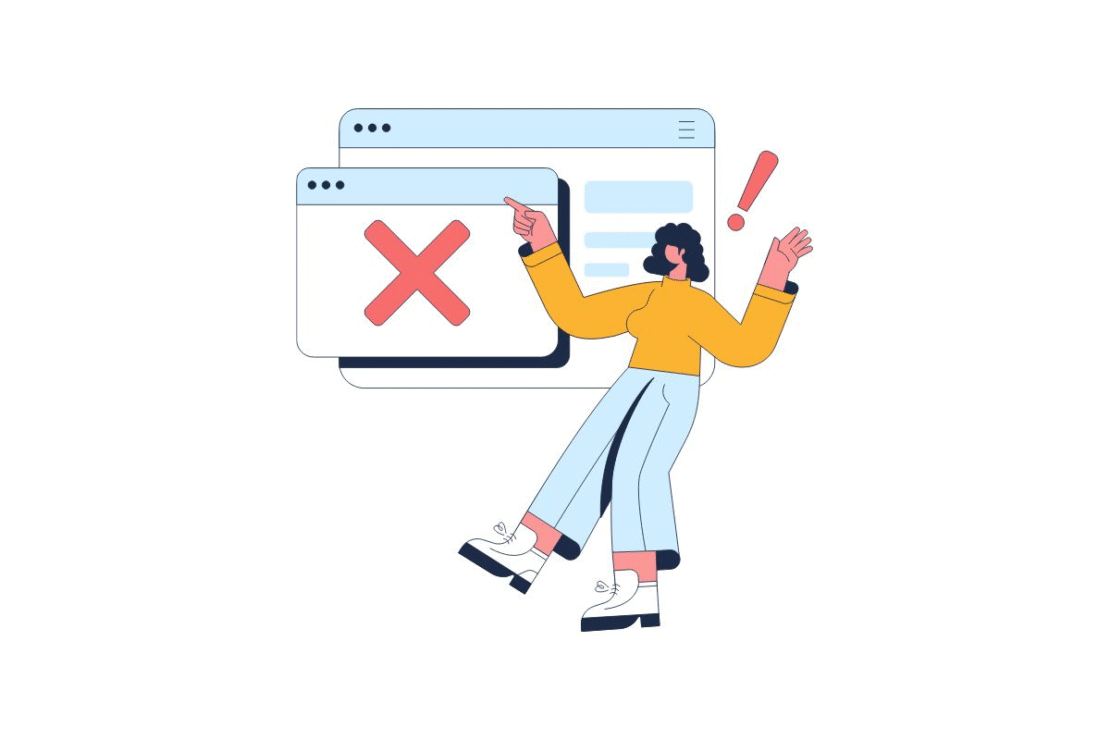
Figure 4. Don't ignore 502 errors when they occur on your website.
Error 502 Summary
The 502 bad gateway error occurs on the server side. However, it can indicate a variety of issues. Sometimes it occurs only on the user side (due to, for example, faulty files stored in the browser cache, incorrect settings, or a DNS update ). However, if multiple users are experiencing 502 errors, it requires administrator intervention.
Typically, identifying the cause and fixing the error isn't very complicated. However, it's important to act quickly, as prolonged connectivity issues can negatively impact your website's ranking.
Frequently asked questions about 502 errors
Error 502 is an HTTP status code that indicates that one server acting as a gateway or proxy received an invalid response from another upstream server. In short, the servers cannot communicate with each other.
In most cases, the cause is server-side (configuration issue, overload, communication error). However, occasionally, the problem may be due to local user settings, such as incorrect browser cache or network settings.
Server overload (too much traffic).
Errors in the proxy server or firewall configuration.
Upstream server failure.
Errors in the site's scripts (e.g. WordPress plugins).
Server maintenance work.
If you are a guest on the site, try the following steps:
Refresh the page (F5 or Ctrl+R) – the problem may be temporary.
Clear your browser cache.
Run your browser in incognito mode (this will check if extensions are to blame).
Change your DNS servers to public ones (e.g. from Google).
As an administrator, you should:
Check server load and resource availability.
Review the error logs to locate the source of the problem.
Check your DNS configuration (changes may take time to propagate).
Temporarily disable plugins/themes (if you are using a CMS such as WordPress).
Check any Firewall/CDN settings (e.g. Cloudflare) that may be blocking communication.
Yes, if the error persists for a long time. Search engine robots (e.g., Googlebot) encounter a 502 error and cannot index the content. If a page is unavailable for hours or days, it may result in a drop in search results.
Summary
The above article covers the following topics:
definition of the 502 error message that appears in browsers. Options for website owners to customize the content of this error;
- Technical causes of error 502 related to communication problems between servers. The mechanism of this error in the infrastructure;
specific solutions that internet users can use to resolve the error themselves. Seven methods, from refreshing the website to modifying DNS settings;
the administrator's responsibility for correcting any errors occurring on the server. The need to verify the website's technical infrastructure;
Advanced diagnostic and troubleshooting methods for website managers. CDN, security, plugin, error log, and hosting resource issues;
- the consequences of ignoring these types of issues due to their impact on users and revenue. Negative effects on the website's visibility in Google search;
key findings regarding the nature and resolution of this technical issue. The importance of an efficient response to maintaining a favorable ranking.